Submit the merchant application.
Underwriting reviews the business and processing profile while our team learns the register, terminal, locations, and workflow.
Lifted POS Connect is the application we built to carry a payment from LiftedPOS to a supported PAX terminal and return the result to the register. Apply for processing and we will qualify the account, hardware, and complete register-to-terminal deployment.
Lifted POS Connect is one component of a qualified merchant solution that can include processing, LiftedPOS, an A920, A920 Pro, or A920 Max, deployment validation, and ongoing support.
Underwriting reviews the business and processing profile while our team learns the register, terminal, locations, and workflow.
We validate the processing configuration, PAX device, LiftedPOS requirements, networking, and the supported Lifted POS Connect build.
The register, terminal, merchant account, and reporting path are exercised together before the merchant begins accepting payments.
Lifted POS Connect has one job: move a payment request and its result between LiftedPOS and the configured PAX payment stack.
The cashier starts credit or debit in LiftedPOS. The register sends the amount and a transaction reference to the paired terminal.
Lifted POS Connect presents the payment choice and hands card interaction to the configured payment application on the PAX device.
The approved or declined result returns to LiftedPOS so the order, receipt, and reporting stay connected.
This page is grounded in the shipped Android implementation. Lifted POS Connect is a guarded payment bridge: discover and pair the device, authenticate it, hand the card flow to PAX, and return one durable result to LiftedPOS.
The app advertises an opaque per-install identity over NSD/mDNS so an authenticated LiftedPOS register can claim it in one tap. Discovery never opens an inbound money-control socket; commands still arrive over the outbound cloud channel.
After pairing, the terminal signs its hello with HMAC over its identity, serial, timestamp, and nonce. The per-terminal secret stays in Android Keystore-backed encrypted storage and does not cross the wire again.
Lifted POS Connect uses PAX's on-device semi-integration path for tap, insert, swipe, PIN, and authorization. It maps only the safe result fields needed by the register—never PAN, track, or PIN data.
Single-flight state blocks double taps. A repeated transaction reference re-reports the stored terminal result instead of running the payment again, while unacknowledged results are replayed after reconnect until LiftedPOS commits them.
These product mockups use the approved build's actual UI captures inside the terminal screen—ready, rail selection, and the final host result.
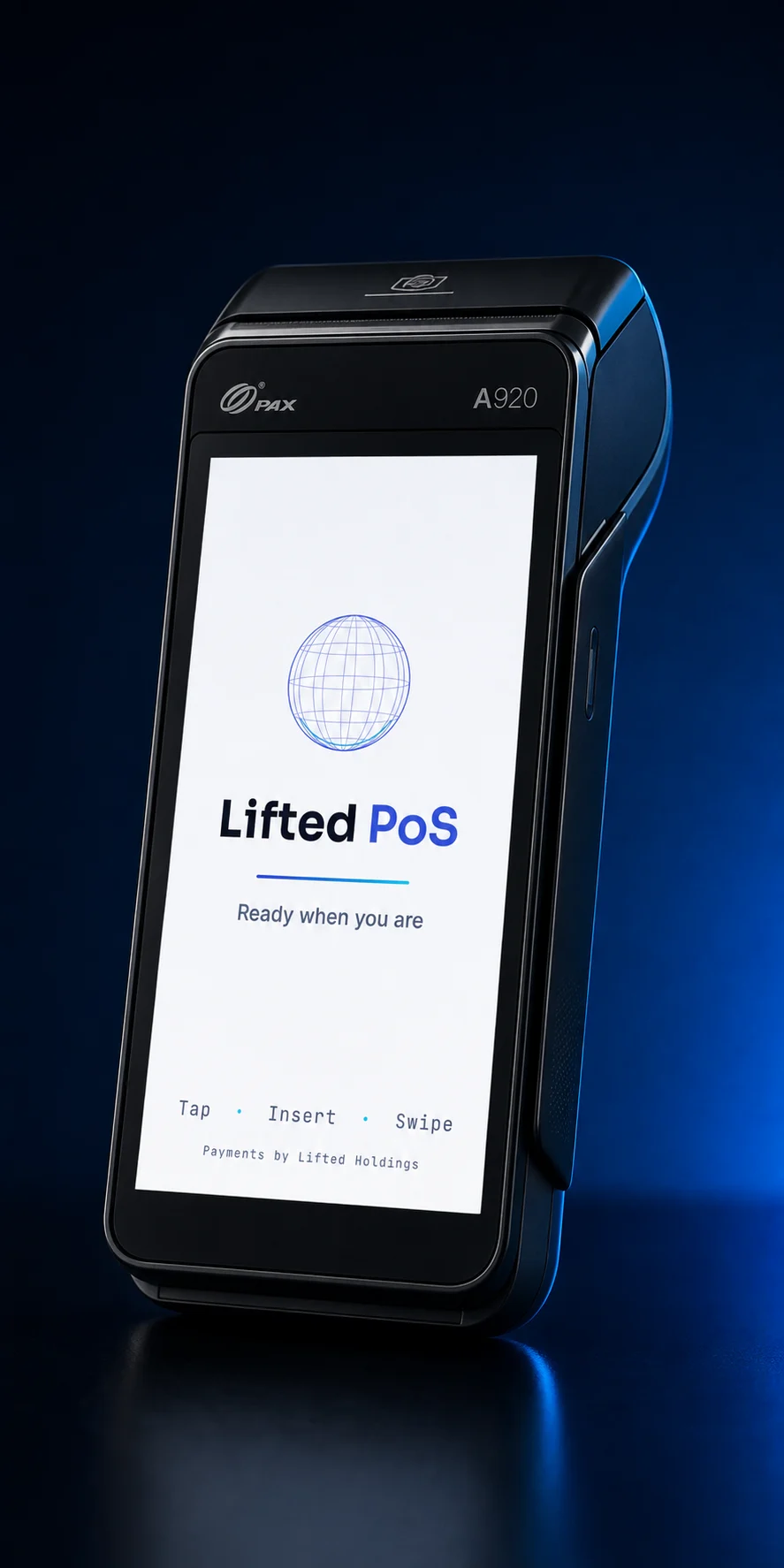
READY / waiting for LiftedPOS
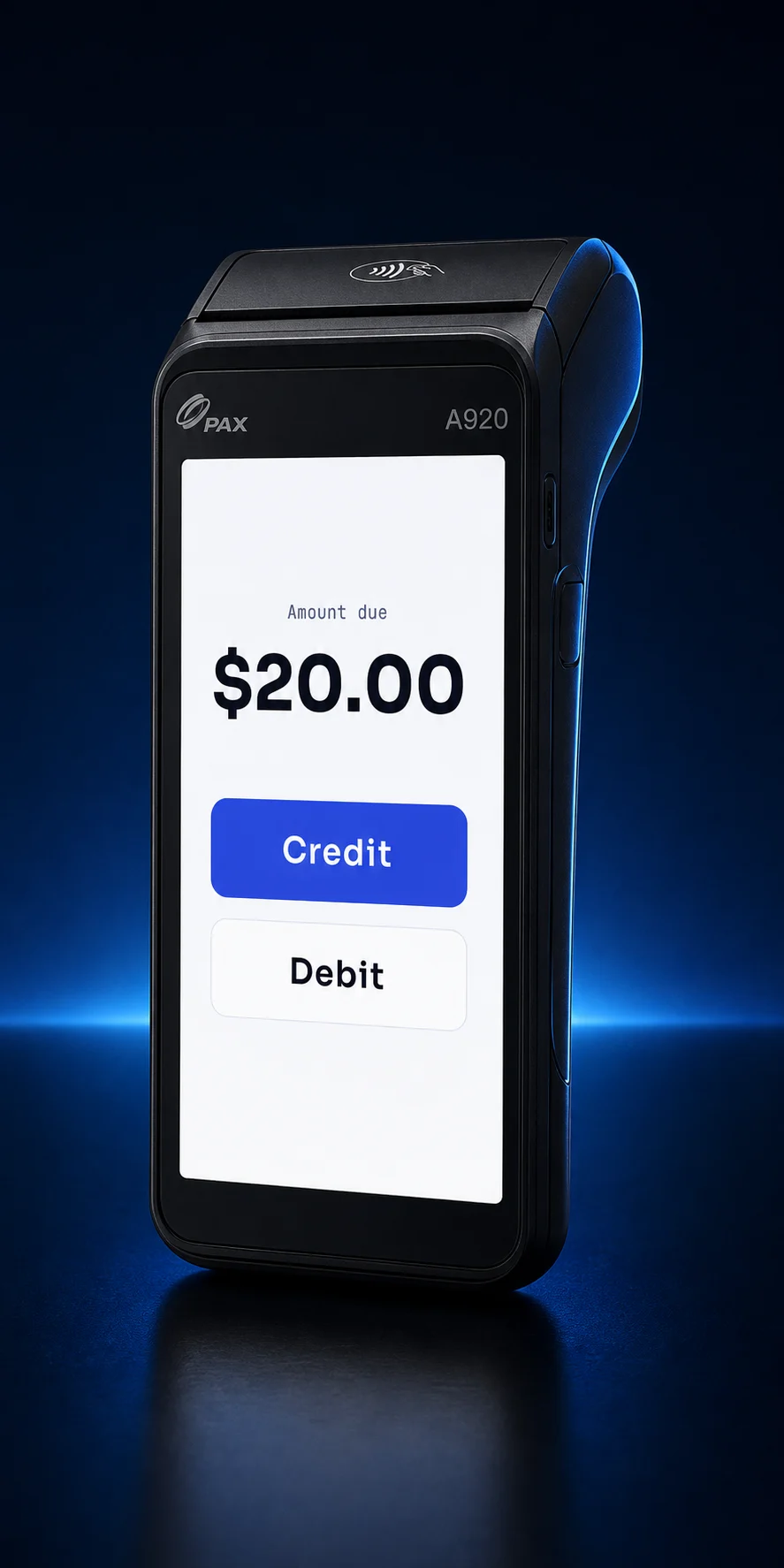
RAIL / credit or debit
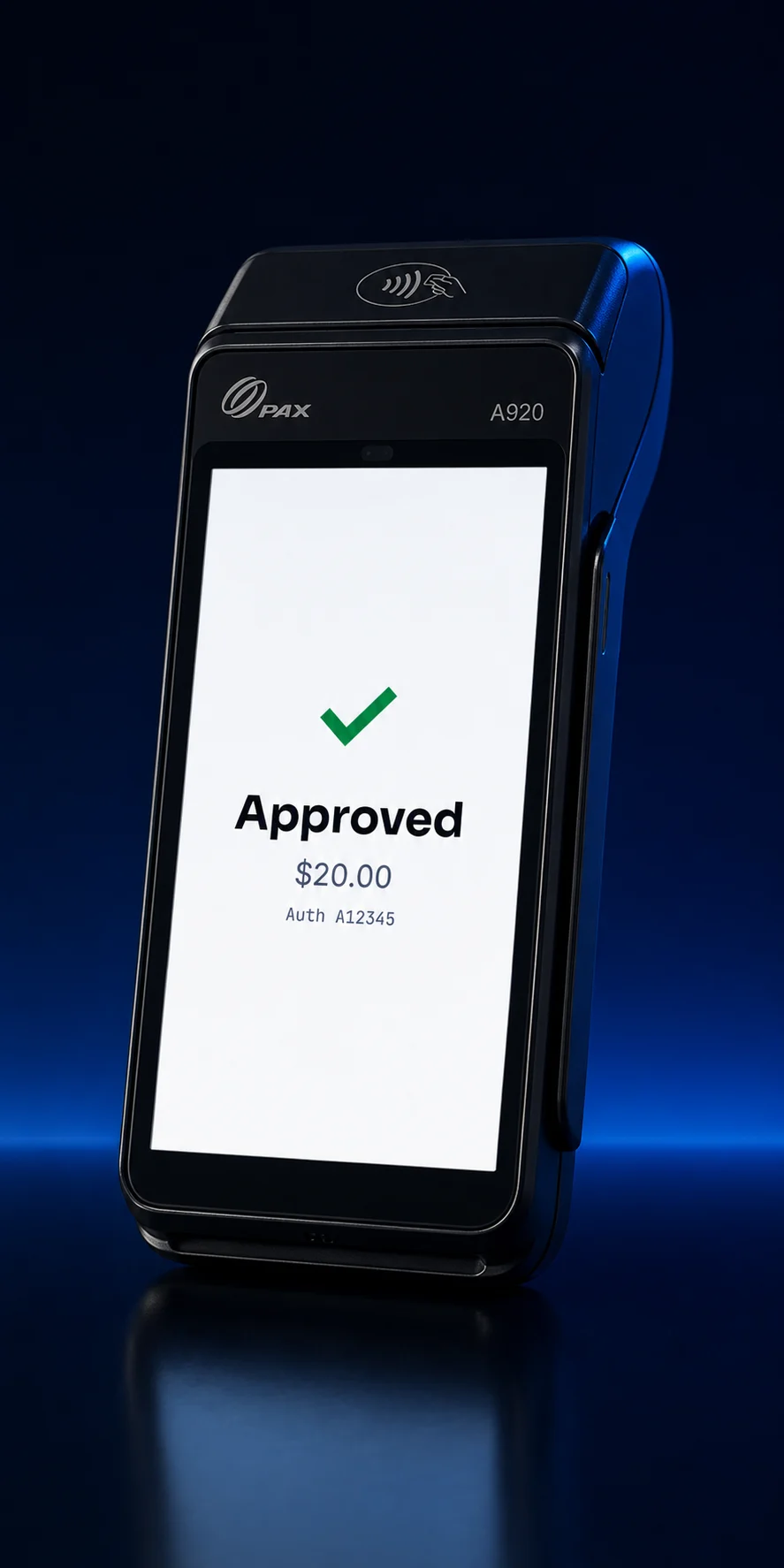
RESULT / approved
PAXSTORE approved Lifted POS Connect version 0.2.9 for the PAX PayDroid platform on July 27, 2026. That verifies the approved application build and its PAXSTORE distribution state.
It is not a blanket processor, PCI, EMV-kernel, or merchant-production certification. Lifted validates the complete deployment before a merchant goes live.
Yes. PAXSTORE approved Lifted POS Connect version 0.2.9 on July 27, 2026 for PAX PayDroid.
No. A merchant rollout depends on supported hardware, processing configuration, boarding, network access, LiftedPOS pairing, and successful end-to-end validation.
No. It coordinates the request between LiftedPOS and the PAX terminal. The configured payment application and processing stack handle card interaction and authorization.
Visit LiftedPOS.com for the retail, inventory, staff, reporting, and register product.
Submit the merchant application so we can review the account and qualify the processing, hardware, LiftedPOS, and Lifted POS Connect requirements.