Applications built and offered by Lifted

Two applications. One merchant-processing conversation.

Lifted Pay and Lifted Connect give us two proven ways to configure a supported PAX deployment. Start with the merchant application; we will determine whether either app, another compatible integration, or a custom solution fits the business.

APP / 01

Lifted Pay

Standalone smart-terminal payments

A Lifted-built option for merchants who need card-present payments on a supported smart terminal, connected to Lifted's merchant tools.

Explore Lifted Pay
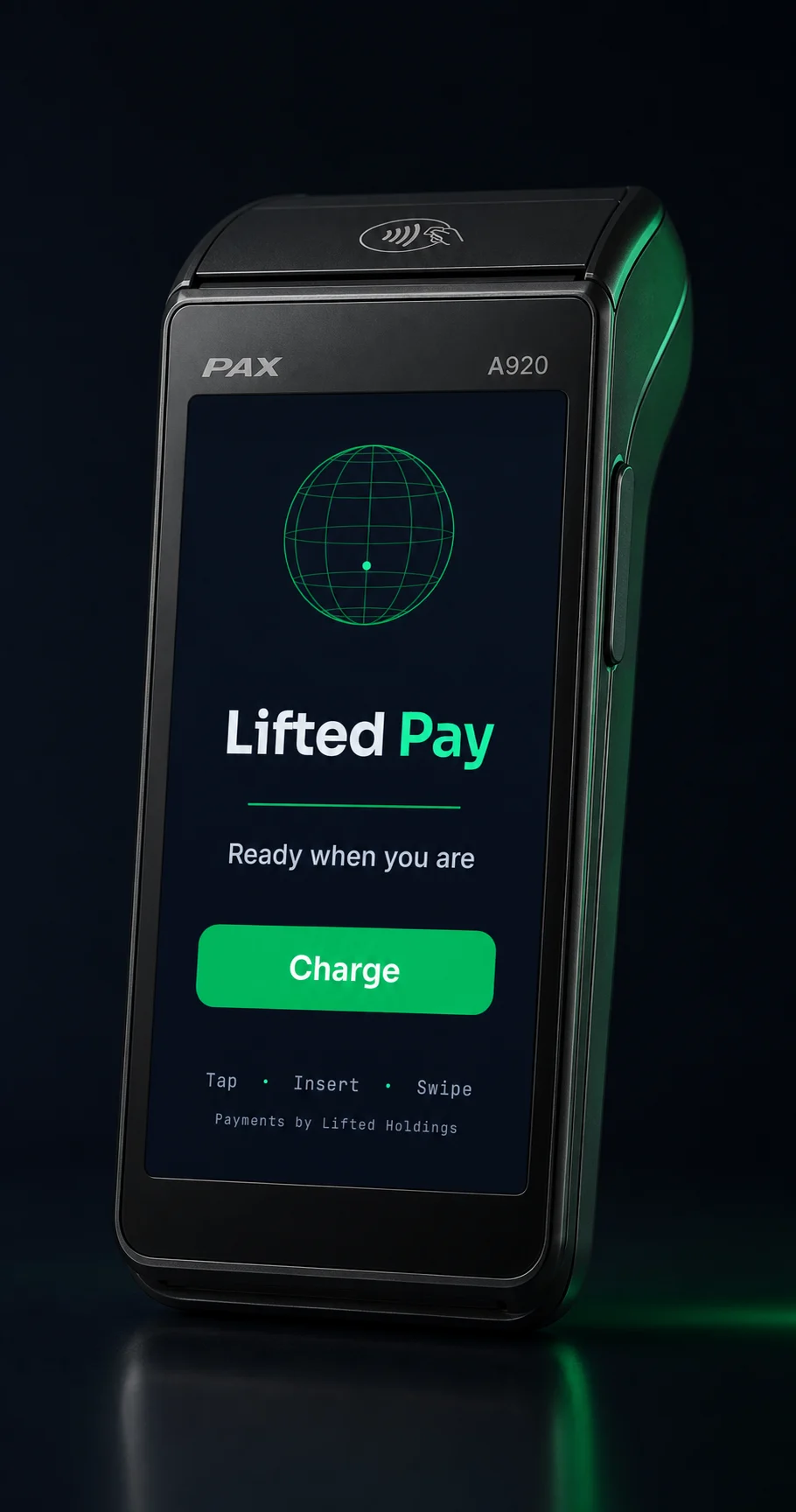
Lifted Pay's real application screen displayed inside a black PAX A920 terminal.
PAXSTORE statusApproved
Version0.0.4
ApprovedJuly 27, 2026
APP / 02

Lifted Connect

LiftedPOS payment companion

A Lifted-built option for merchants running LiftedPOS who need a supported PAX terminal to handle the card-present payment flow.

Explore Lifted Connect
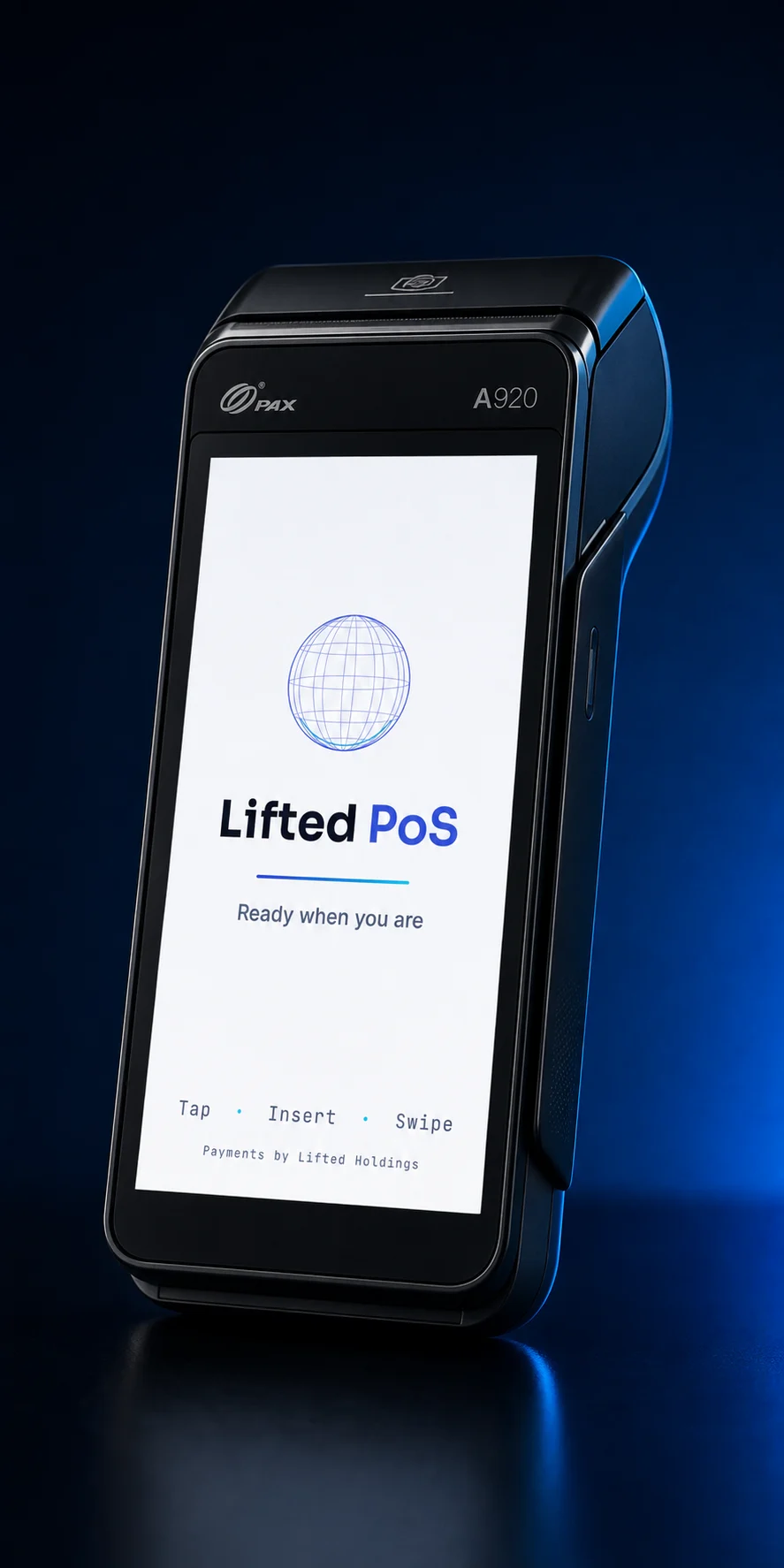
Lifted Connect's real ready screen displayed inside a black PAX A920 terminal.
PAXSTORE statusApproved
Version0.2.8
PAXSTORE nameLifted POS Connect
Application selector

Choose by the job at the counter.

DecisionLifted PayLifted Connect
Primary jobStandalone payment application and merchant portalCard-present companion for LiftedPOS
Cashier starts inLifted Pay on the PAX terminalLiftedPOS on the register
Best fitA counter that needs payments without a full inventory registerA retailer using LiftedPOS for orders, inventory, staff, and reporting
PAXSTORE applicationLifted Pay, version 0.0.4Lifted POS Connect, version 0.2.8
Public productLifted Pay detailsLifted Connect details · LiftedPOS
Approval record

PAXSTORE-approved for PAX PayDroid.

PAXSTORE approved Lifted Pay version 0.0.4 and Lifted POS Connect version 0.2.8 on July 27, 2026. The approved builds are the distribution foundation for the Lifted payment application family.

Precise by design: PAXSTORE approval is not a PAX endorsement, processor approval, PCI certification, EMV-kernel certification, or guarantee that any unqualified merchant configuration is production-ready.

Rollout checklist

Approval is the start of a deployment.

  • Confirm the PAX model and PayDroid environment
  • Confirm the processor, BroadPOS package, and credentials
  • Board the merchant and configure the correct account
  • Pair the Lifted software path and validate a complete transaction
  • Pilot, reconcile, and only then expand the device fleet
Start with the merchant

Apply once. Let us design the payment path.

The merchant application gives us the account and operating context needed to qualify Lifted Pay, Lifted Connect with LiftedPOS, another integration, or custom development.